Mirage·Smoke·Connector
Mirage — Connector Smoke
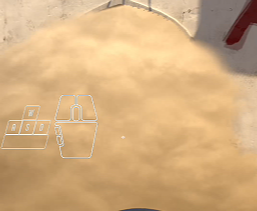 Step 1
Setup Position
Find your position — align with the box corner on T-side
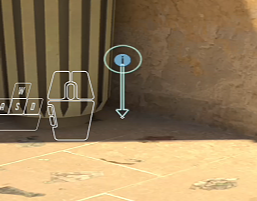 Step 2
Aim Point
Aim at the top of the wall — follow the indicator arrow downward
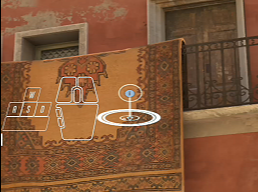 Step 3
Throw
Jump throw or left click — smoke lands perfectly on Connector
EasyLeft Click / Jump Throw
Full walkthrough
@cs2dailyhub